The 5 AI Tools Actually Worth Using for YouTube in 2026
Most "AI for creators" tools are noise. These five earn a place in a real workflow, one each for clipping, audio, voiceover, editing and channel SEO.
The AI-tools-for-YouTube category has a hundred products and about five jobs that actually matter: turning long footage into Shorts, making audio listenable, producing voiceover, editing faster, and getting videos found. Here is one genuinely good tool per job, and what each one does not solve.
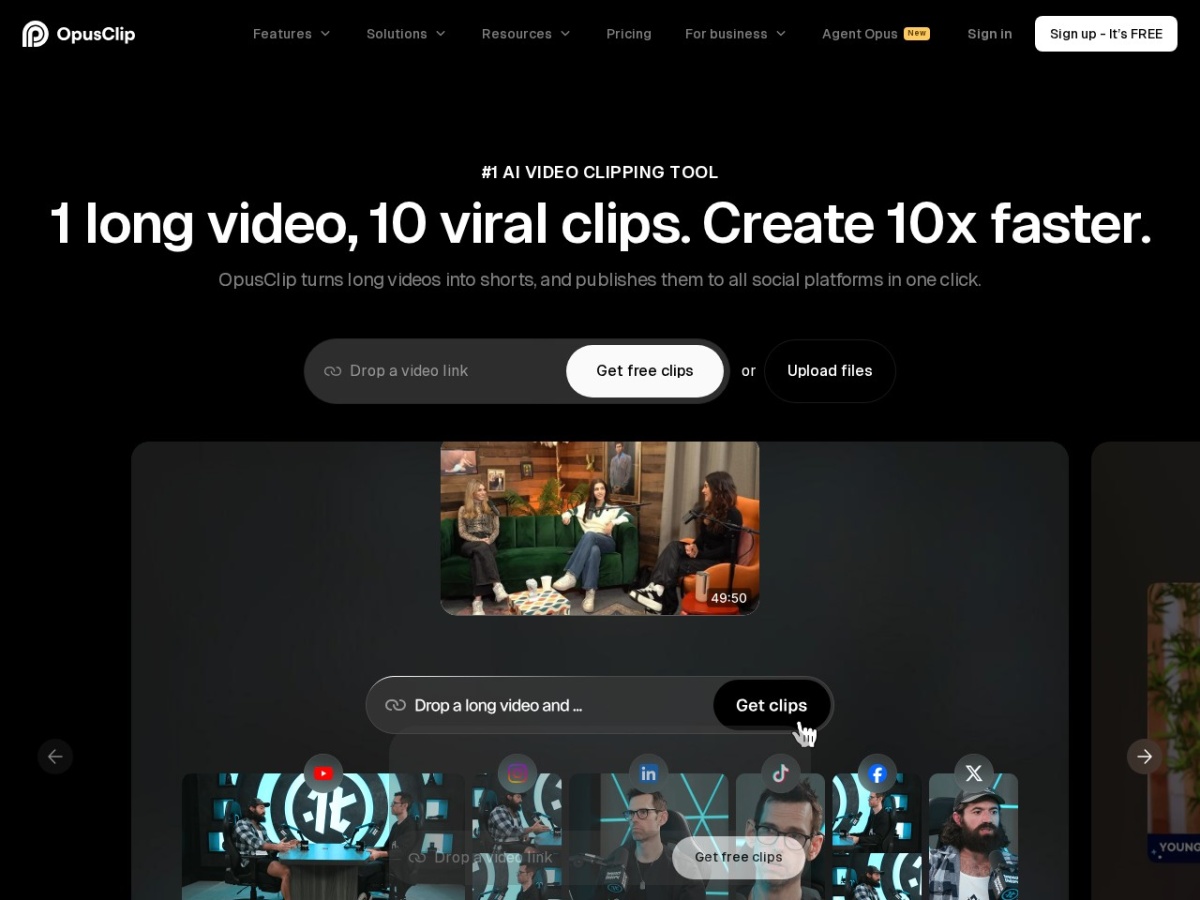
1. Opus Clip, long videos into Shorts
Feed it a long video and it finds the strongest moments, cuts them into vertical clips, and adds captions. For anyone repurposing streams, podcasts or long-form into Shorts, this is the single biggest time saver on the list, moment-finding by hand is hours of scrubbing.
What it does not solve: weak source material. It surfaces your best moments; it cannot create them.
2. Nvidia Broadcast, free studio-grade audio and webcam
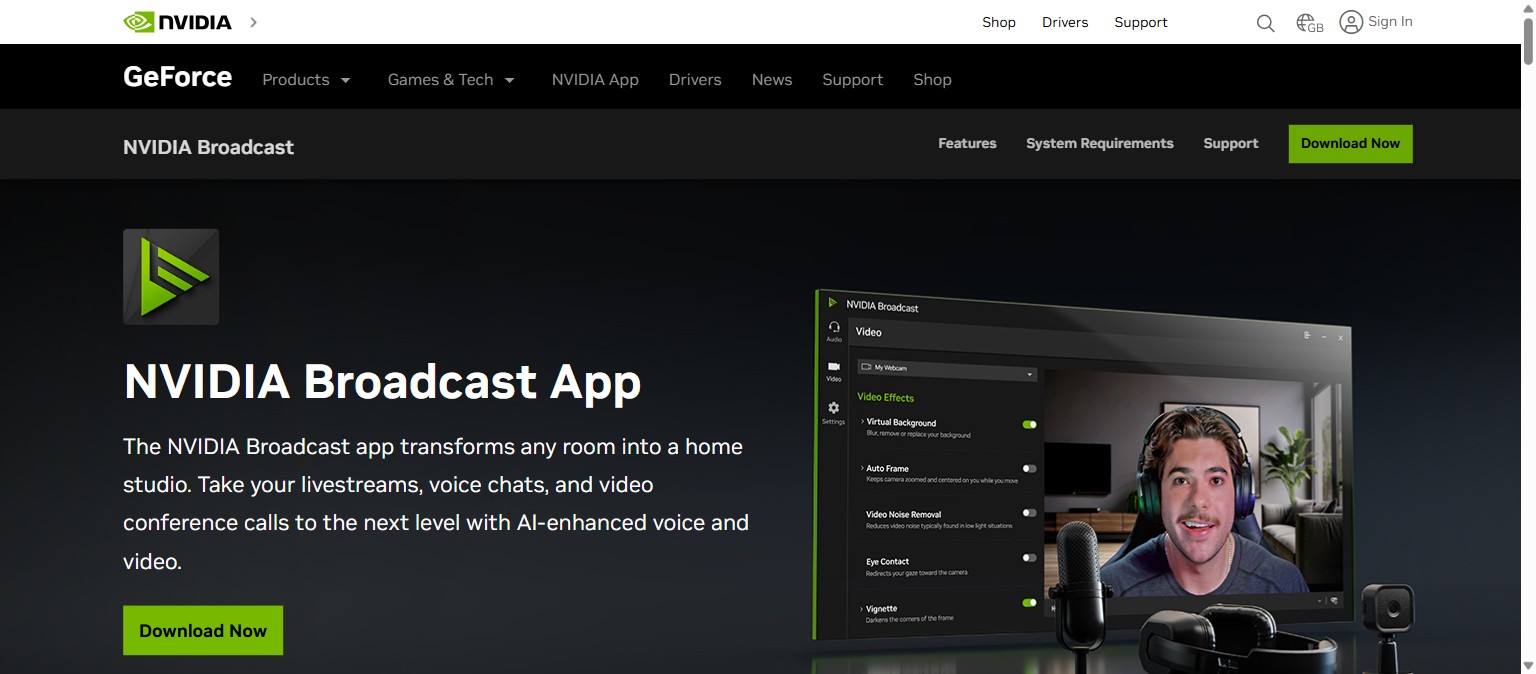
The quiet giant of this list, and completely free if you have an RTX graphics card: real-time background-noise removal, echo removal and webcam enhancements at the driver level, so it works in every app. Bad audio kills watch time faster than bad visuals, this fixes it at the source.
What it does not solve: anything, unless you have an Nvidia RTX GPU. No card, no Broadcast.
3. ElevenLabs, voiceover that does not sound robotic
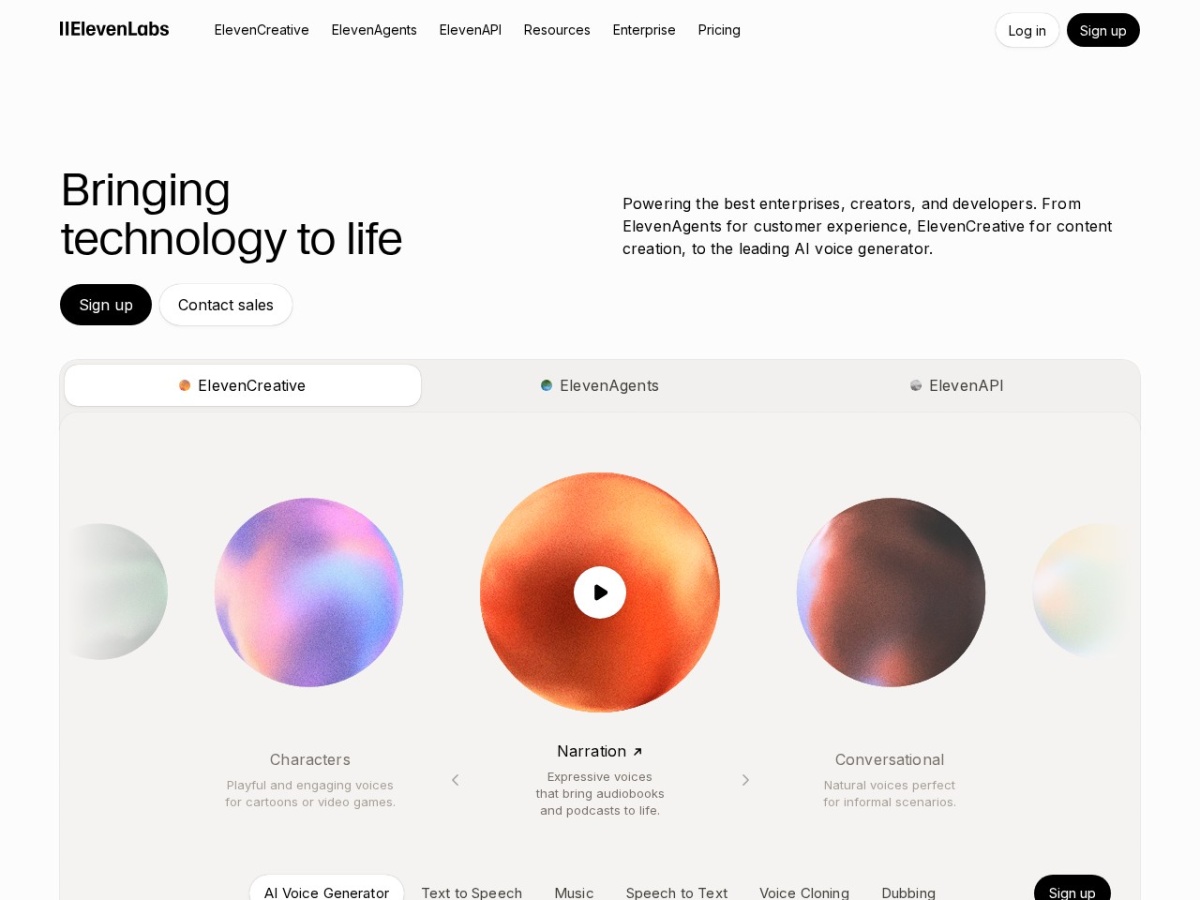
Still the reference point for natural AI voiceover. For faceless channels, narration-heavy explainers or multilingual dubs, it turns a script into speech most viewers will not clock as synthetic. The free tier is enough to test whether AI narration fits your channel at all.
What it does not solve: pacing and delivery are only as good as your script; metered characters mean heavy narrators end up on paid tiers.
4. Descript, edit video like a document
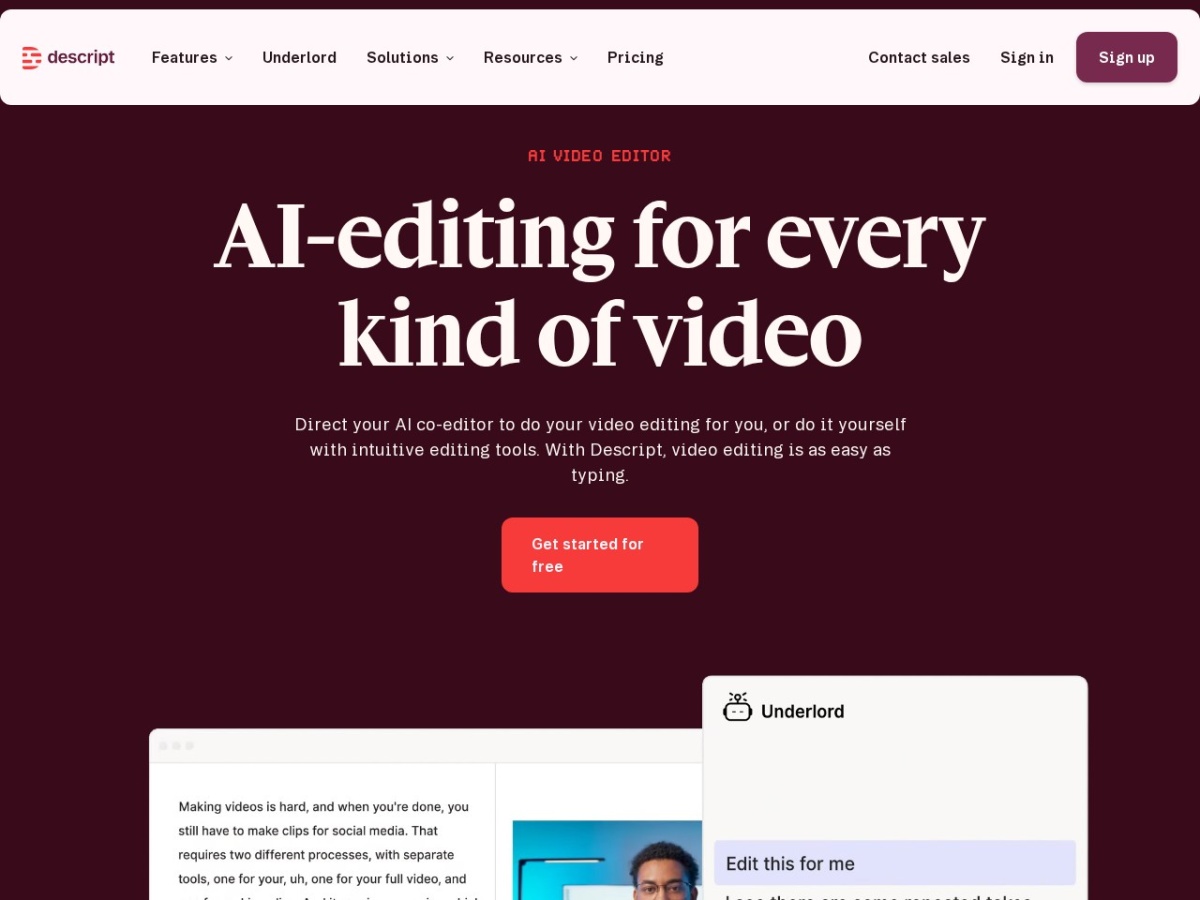
Descript transcribes your footage and lets you edit the video by editing the text, delete a sentence, the cut happens. Removing filler words across a 20-minute video takes minutes. For talking content (tutorials, podcasts, commentary) it replaces a traditional timeline for 80% of the work.
What it does not solve: motion-graphics-heavy or cinematic edits still want a conventional editor.
5. TubeBuddy, the SEO layer
Great videos die unfound. TubeBuddy sits inside YouTube Studio and handles the discoverability jobs: keyword research, tag suggestions, A/B testing thumbnails and titles, bulk metadata updates. It is the least glamorous tool here and arguably the most correlated with channel growth.
What it does not solve: SEO amplifies demand that exists. It cannot make people search for a video nobody wants.
Repurposing long content? Opus Clip. Audio embarrassing you? Nvidia Broadcast (free, RTX required). Faceless or multilingual? ElevenLabs. Talking-head editing? Descript. Growth plateau? TubeBuddy. Start with the one matching your biggest bottleneck, not all five at once.
Related
Making avatar-presenter videos instead? See our Synthesia review and the free alternatives shortlist.