Synthesia Review: What It Does Well (and Where It Falls Short)
The best-known AI avatar platform, reviewed honestly: who it is for, what the avatars can and cannot do, and when you should not pay for it.
What Synthesia actually is
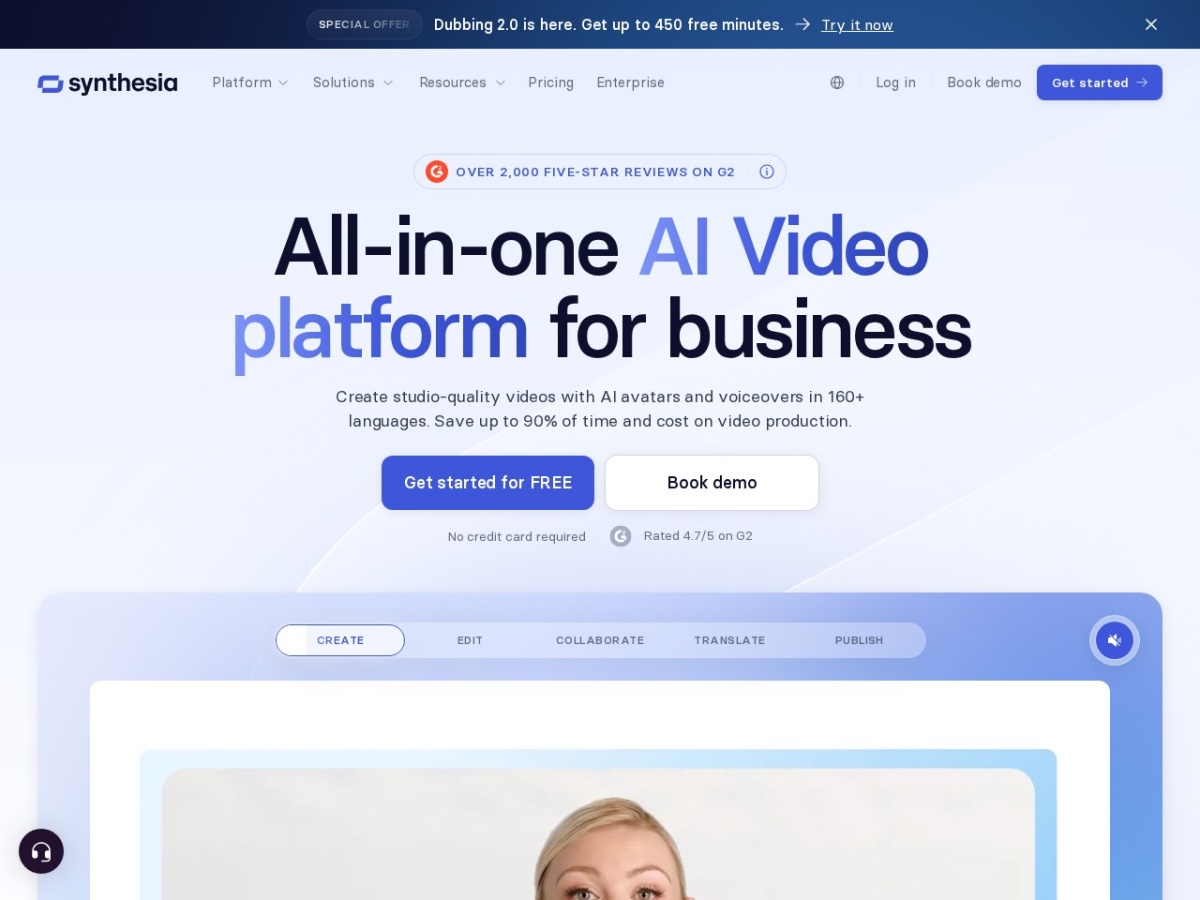
Synthesia turns a written script into a video presented by an AI avatar: you type text, pick a presenter and a language, and it renders a talking-head video without a camera, a studio or an actor. It runs in the browser, so there is nothing to install and no editing timeline to learn.
That framing matters, because most disappointment with Synthesia comes from expecting the wrong thing. It is not a general video editor and it is not a cinematic AI video generator. It is a presenter-replacement machine, and judged as that, it is one of the most polished products in the category.
What it does well
- Speed from script to video. The pipeline is genuinely fast: paste a script, pick an avatar, render. For teams that produce lots of instructional content, the time saved against filming re-shoots is the whole business case.
- Language coverage. The same script can be produced in a large number of languages and voices, which makes localising a training library realistic for teams that could never afford voice actors per market.
- Consistency and updates. When a process changes, you edit the script and re-render. No re-booking presenters, no mismatched lighting between versions. This is the quiet killer feature for documentation-style video.
- Polish. Avatar lip-sync and voice quality sit at the premium end of the category, and templates keep non-designers away from ugly slides.
Where it falls short
- Emotional range. Avatars deliver scripts clearly, but the delivery is presenter-neutral. Content that depends on charisma, humour or performance still reads as synthetic, audiences notice within seconds.
- It is a subscription, and not a cheap one. For an individual creator posting occasionally, the maths rarely works against free alternatives (more on those below). Synthesia's pricing makes sense for teams, not hobbyists.
- Not built for entertainment. If you want cinematic shots, action or stylised scenes, this is the wrong category of tool entirely.
- Video minute limits. Plans meter how much video you can render, so heavy producers need to watch tier limits rather than treating it as unlimited.
Who should actually pay for it
Synthesia earns its subscription when video is part of a job: corporate training, onboarding, product explainers, internal comms, sales enablement and course content, especially when the same material needs updating regularly or shipping in several languages. In those workflows it replaces a real cost (filming) rather than adding a new one.
It is much harder to justify for an individual creator making occasional social content. If that is you, start with a free tier elsewhere and upgrade only when a limit actually hurts.
The most polished tool in its category, for the right buyer. Teams producing training, explainer or localised video at any volume will get their money's worth quickly. Casual creators should start free elsewhere and come back when the workload justifies it.
Try Synthesia →If you are not ready to pay
The free route is more capable than you might expect. We keep an up-to-date shortlist in 5 Free Synthesia Alternatives for AI Avatar Videos, several offer free plans or trials that cover occasional use entirely.